
A fast-loading website is one of the most important factors for SEO, user experience, and higher conversions. Slow websites often lose visitors before they even explore your content.
In this guide, you’ll learn 15 practical WordPress speed optimization techniques that help improve Core Web Vitals, reduce loading time, and boost your website’s overall performance in 2026.
Why Website Speed Matters
Website speed directly affects search engine rankings, bounce rate, user experience, and conversion rates. A faster website keeps visitors engaged and helps businesses generate more leads and sales.
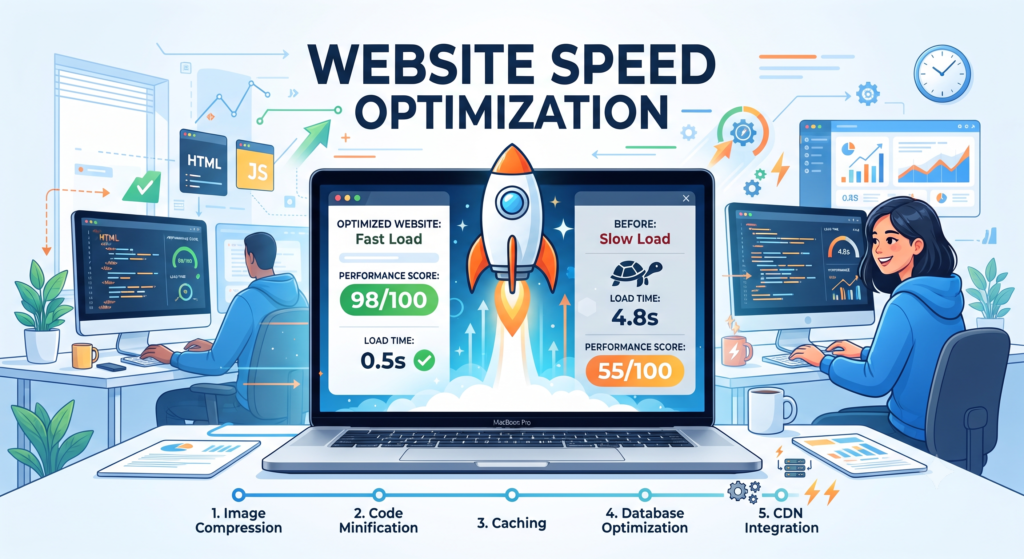
How to Test Your WordPress Website Speed
Before optimizing your website, it’s important to understand its current performance. Testing your website speed helps identify issues such as slow loading pages, large images, render-blocking resources, and poor Core Web Vitals. Several free tools provide detailed reports and recommendations to improve your website’s performance.
Google PageSpeed Insights
Google PageSpeed Insights analyzes your website for both mobile and desktop devices. It measures Core Web Vitals, including Largest Contentful Paint (LCP), Interaction to Next Paint (INP), and Cumulative Layout Shift (CLS). It also provides practical suggestions to improve loading speed and user experience
GTmetrix
GTmetrix provides a detailed performance report, including page load time, total page size, request count, and optimization opportunities. It is an excellent tool for identifying heavy resources and bottlenecks affecting website speed.
Choose Fast and Reliable Hosting
Your hosting provider plays a major role in website performance. Even a fully optimized website will remain slow if the hosting server is underpowered. Choosing a reliable hosting provider with LiteSpeed servers, NVMe SSD storage, HTTP/3 support, and the latest PHP version significantly improves loading speed and overall stability.
Features of a Good Hosting Provider
- LiteSpeed Web Server
- NVMe SSD Storage
- PHP 8.3 or Latest Version
- HTTP/3 Support
- Free SSL Certificate
- Daily Backups
- CDN Support
- 99.9% Uptime
Install and Configure LiteSpeed Cache
LiteSpeed Cache is one of the most powerful caching plugins for WordPress websites hosted on LiteSpeed servers. It improves loading speed by enabling page caching, browser caching, CSS and JavaScript optimization, image optimization, lazy loading, and database cleanup.
Recommended LiteSpeed Cache Settings
- Enable Cache
- Enable Browser Cache
- Enable Object Cache
- Minify HTML
- Minify CSS
- Minify JavaScript
- Load CSS Asynchronously
- Defer JavaScript
- Enable Lazy Load
- Optimize Images
Optimize Images for Better Performance
Large image files are one of the biggest reasons for slow websites. Compressing images without losing quality and using modern formats such as WebP significantly reduces page size and improves loading speed.
Best Image Optimization Tips
- Resize images before uploading
- Convert images to WebP
- Compress images
- Use Lazy Loading
- Add proper Alt Text
- Avoid uploading unnecessary large images
Recommended Image Optimization Plugins
- LiteSpeed Image Optimization
- ShortPixel
- Imagify
- Smush